
Desktop Software
Keep work moving. Even offline.
Desktop applications for Windows and macOS, built around your workflows, local data, and connected hardware.

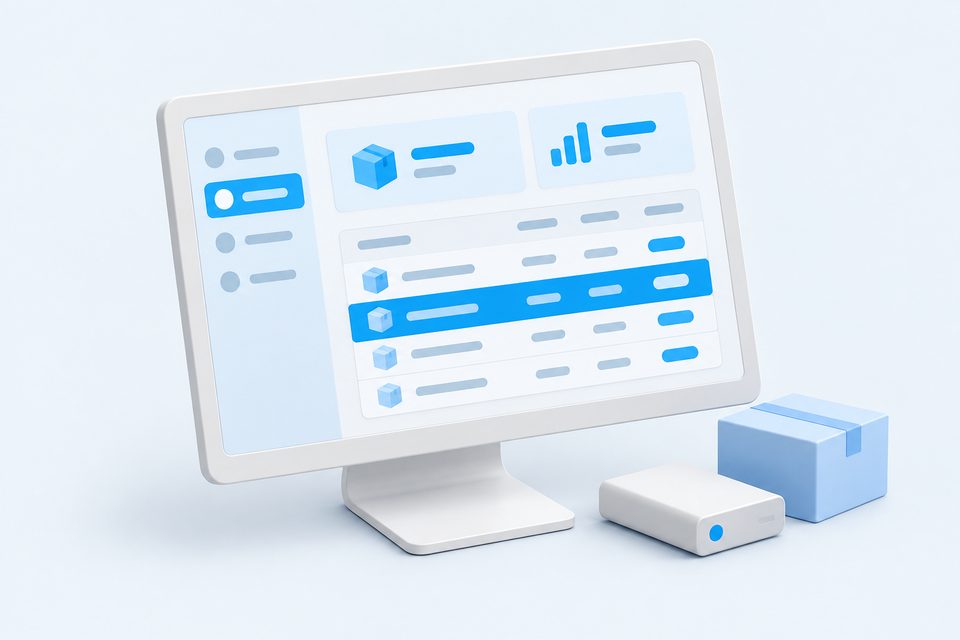
Useful software, right on your desktop
The scope
Built around what
your users need.
Some work needs to happen on the device. We build desktop tools for everyday operations, with local storage, clear interfaces, and optional cloud sync. Hardware integration and offline behaviour are agreed and tested against the equipment your team uses.
Included in the discussion
True Offline Operation
Your software keeps working when the internet does not. Local databases (SQLite) store data safely and sync to the cloud automatically once you are back online.
We agree on the deliverables and acceptance criteria before development begins.
From brief to delivery
A clear next step.
At every stage.
Review the work as it takes shape, with priorities and feedback agreed together.
- 01
Workflow Discovery
We map how your team actually works today, which hardware you use, and where offline reliability matters most.
- 02
Fixed-Price Quote
A clear written scope and transparent fixed price within 24 hours. No hidden charges, ever.
- 03
Design & Build
We design the interface and build the app in weekly milestones you review and approve as we go.
- 04
Hardware Testing & Packaging
We test with your real devices, then package signed Windows and macOS installers ready to deploy.
- 05
Rollout & Support
We help you install across machines and provide auto-updates, maintenance, and priority support after launch.
Tools we can work with
- Electron
- Tauri
- React.js
- TypeScript
- Rust
- Node.js
- SQLite
- PostgreSQL
- Tailwind CSS
- Better SQLite3
The stack depends on your requirements, existing systems, and maintenance needs.
Project planner
Define the project.
Understand the budget.
Choose what you want to build, compare the scope options, then add only what you need beyond the included features.
What are you building?
An installable tool with local storage and offline workflows.
Included in this scope
Already in the base price- Offline core workflow
- Local database
- Core business workflow
- Installer packaging
General / other focus
Your agreed primary business workflow
Adapted within the scope limits above. Advanced industry workflows need a separate scope review.
Included features update with your scope. You do not need to select or pay for them again.
How much does custom desktop software cost?
A focused desktop tool starts around ₹75,000. Larger systems with hardware integration, licensing, and cloud sync range from ₹1,50,000 upwards. You get a fixed written quote after we understand your requirements.
Will the software work without internet?
Yes. That is the main reason to choose a desktop app. Your data is stored locally and everything keeps working offline, with optional automatic sync to the cloud when a connection is available.
Can it connect to my printer, scanner, or POS hardware?
Yes. We build integrations for thermal printers, barcode scanners, weighing scales, cash drawers, and payment terminals so your whole counter works from one application.
Does it run on both Windows and Mac?
Yes. We build cross-platform apps from a single codebase using Electron or Tauri, so the same software runs on Windows and macOS without a separate build for each.
Can you convert my existing spreadsheet or manual process into software?
Absolutely. Many of our desktop projects replace Excel sheets and paper registers with a fast, reliable app tailored to exactly how your business works.